Getting Started with the Universal Laser Cutter
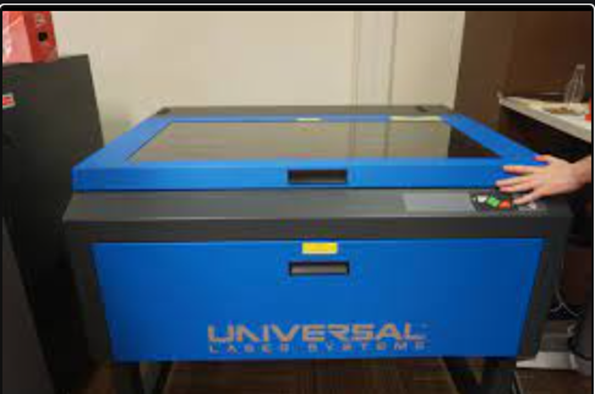
This laser cutter is located in the TMAC engineering lab. In this guide, we will guide you through setting up an illustrator file properly, turning on and operating the machine, and printing (cutting) your illustrator file.
Laser Cutter Safety
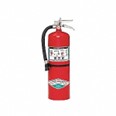
- Know where the fire extinguisher is before operating the laser cutter.
2. Never leave the laser cutter unattended
3.Turn on the air pressure and laser cutter fan before printing
4. Only cut materials approved by the technology staff
5. Keep the lid closed at all times unless loading/unloading material while the laser is not cutting
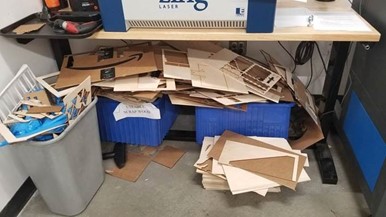
6. Clean up debris in the laser cutter and your surrounding area, and any debris or mess you make in the engineering lab before/during/after cutting.
7.Vector cutting is very fast, but raster etching can take quite a while. Design and plan your cut/etch accordingly, and if others are waiting consider modifying or reducing etch time.
8. Design and prototype in cardboard first, then, once you have it as you want, consider being done or moving to a wood version (cardboard comes in the mail like manna from heaven, wood comes from trees).
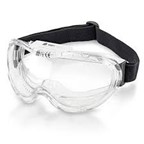
9. Always wear safety goggles when in the TMAC 006 Engineering Lab
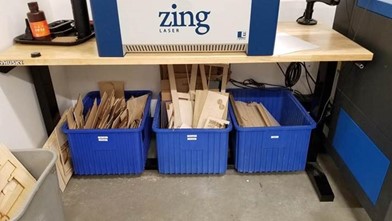
10. Keep the scrap pile organized like the first image, and not the latter