Intro to Blender
What is Blender?
Blender is a powerful and versatile open-source 3D modeling software used for creating animations, visual effects, games, and 3D printed models. Whether you're a beginner looking to create your first model or an experienced artist exploring advanced features, Blender provides all the tools you need to bring your ideas to life.
Prerequisites
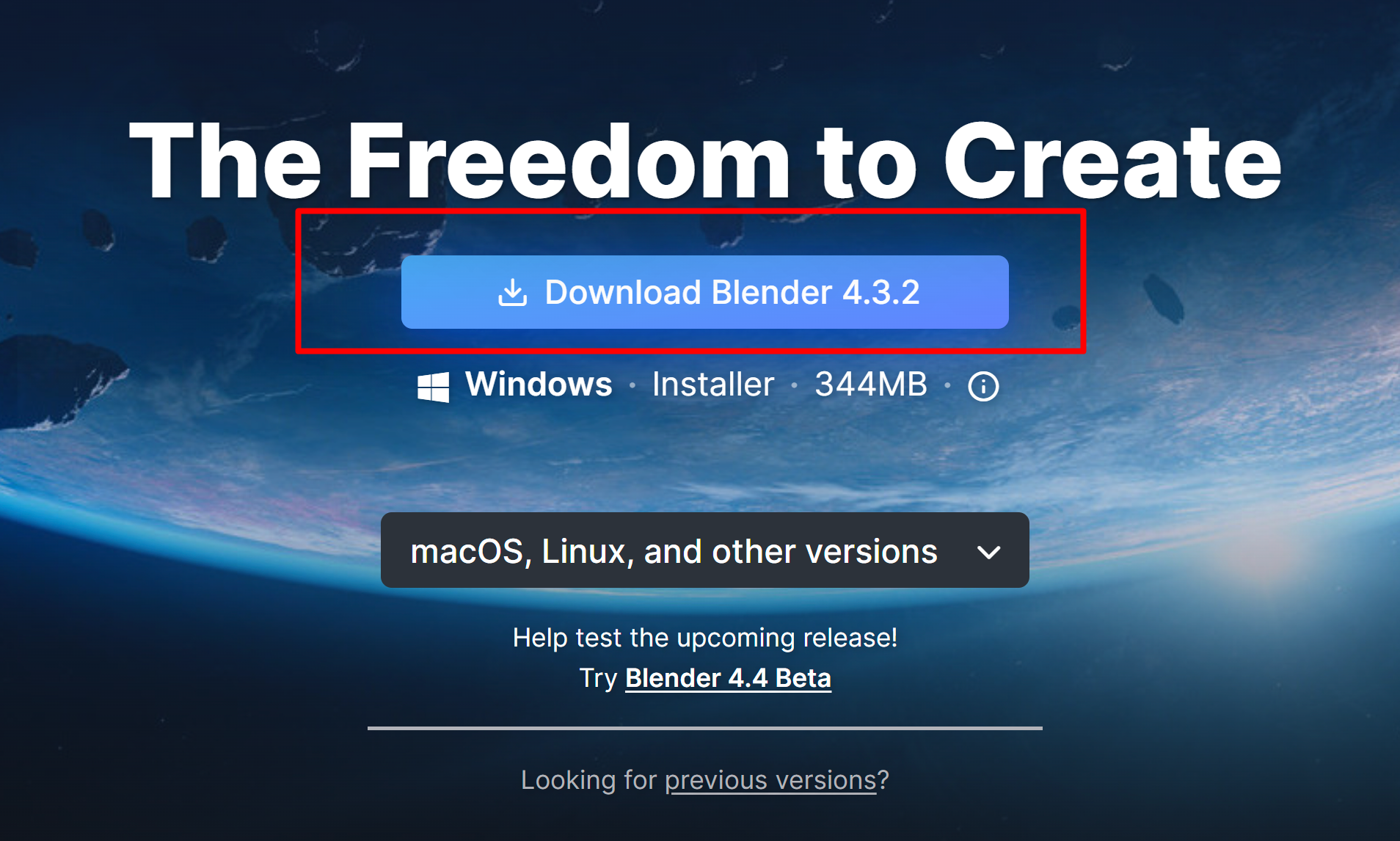
- Navigate to https://www.blender.org/download/
- Download the newest version of Blender (or an older version if preferred). In this guide, I use a mix of Blender 3 and 4, but the newest version is Blender 4.
3. Go through the installation steps & launch blender.
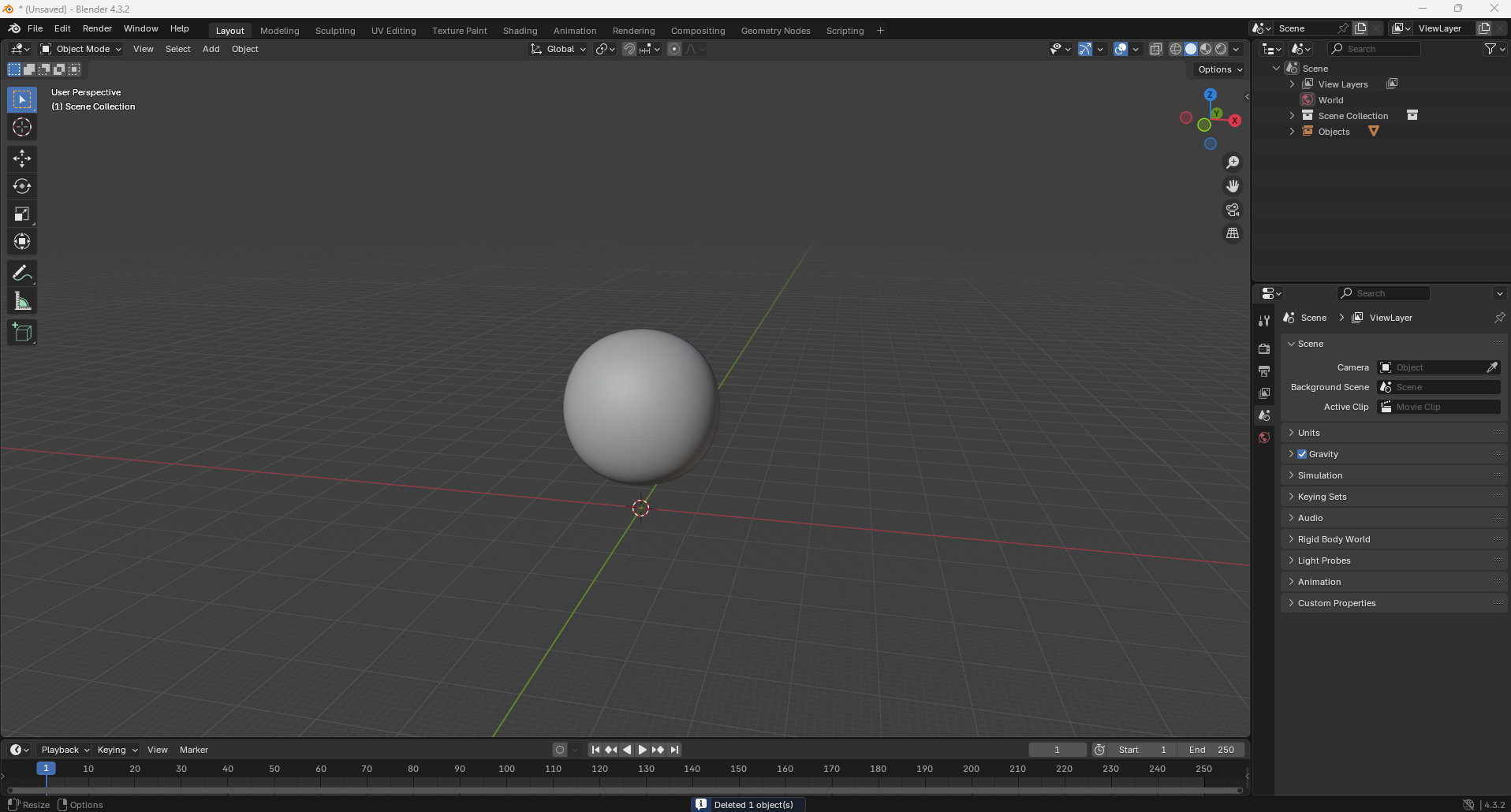
4. Your screen will look something like the below (some things may be different depending on the version you installed. This is the newest version of blender). Notice that my startup screen is a sphere rather than a cube. This is because I set a different start-up file than the default one. You will want to keep yours as the cube for now.