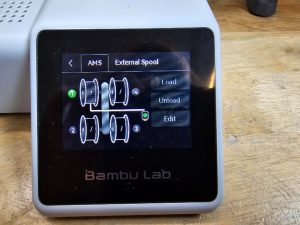
Loading and Unloading Filament
Bambu X1C:
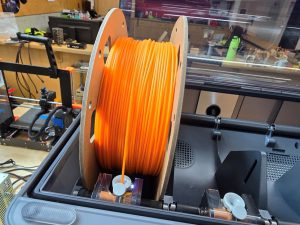
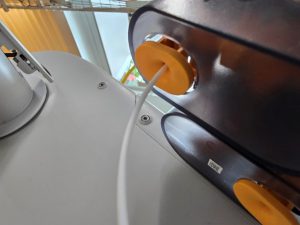
To load: Insert the filament into an empty slot, and guide the filament into the slot. If you want it to feed to the extruder before you print, you may also use the filament menu, however, you do not have to do this to load the filament into the X1C. To clarify, no touching the touchscreen menu is necessary for loading the filament.
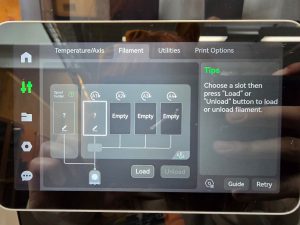
To unload: On the printer’s touchscreen, click on the filament tab (located under the second symbol on the left) and press the slot you wish to unload, then click unload.
Bambu A1 Mini:
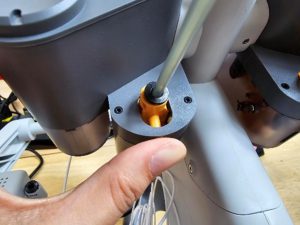
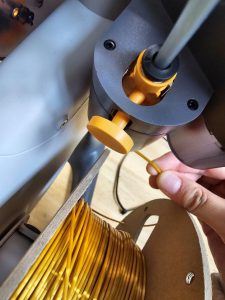
To load: Put a filament on your chosen filament holder (numbered by 1, 2, 3, and 4) and guide it to it’s corresponding slot. You must press down on the orange button and insert at the bottom of the feeder (while holding the orange button down). It will grab the filament and pull it on. If you want it to feed to the extruder before you print, you may also load it through the menu.
To unload: Go to the AMS section, press on the corresponding spool/feeder, and click on ‘unload’.