Introduction To The Vinyl Cutter
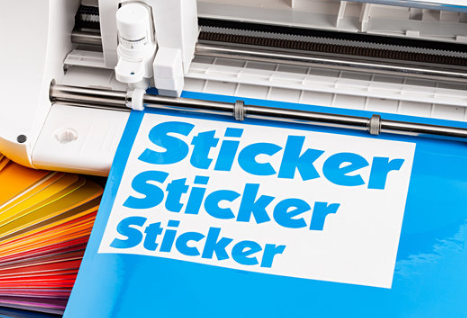
A vinyl cutter is a machine used to cut designs, letters, or shapes from thin materials such as adhesive vinyl, heat transfer vinyl (HTV), or other specialty films. It works by using a small, precise blade to follow a digital design, typically created in graphic design software.
How Does a Vinyl Cutter Work?
- Design Creation – A user creates or imports a vector design using software such as Adobe Illustrator, CorelDRAW, or cutting software like Cricut Design Space or Silhouette Studio.
- Material Loading – A roll or sheet of vinyl is placed into the machine, with its backing (carrier sheet) facing down.
- Cutting Process – The machine’s blade moves according to the design file, cutting through the vinyl but not the backing material.
- Weeding – After cutting, excess vinyl is removed, leaving only the desired design.
- Application – The cut vinyl is transferred to a surface using transfer tape (for adhesive vinyl) or heat pressing (for HTV).
Common Uses (that you can do too!)
- Custom stickers and decals
- T-shirt graphics (heat transfer vinyl)
- Signage and banners
- Window and vehicle decals
- Wall art and stencils
What Program do I Need to Use the Vinyl Cutter?
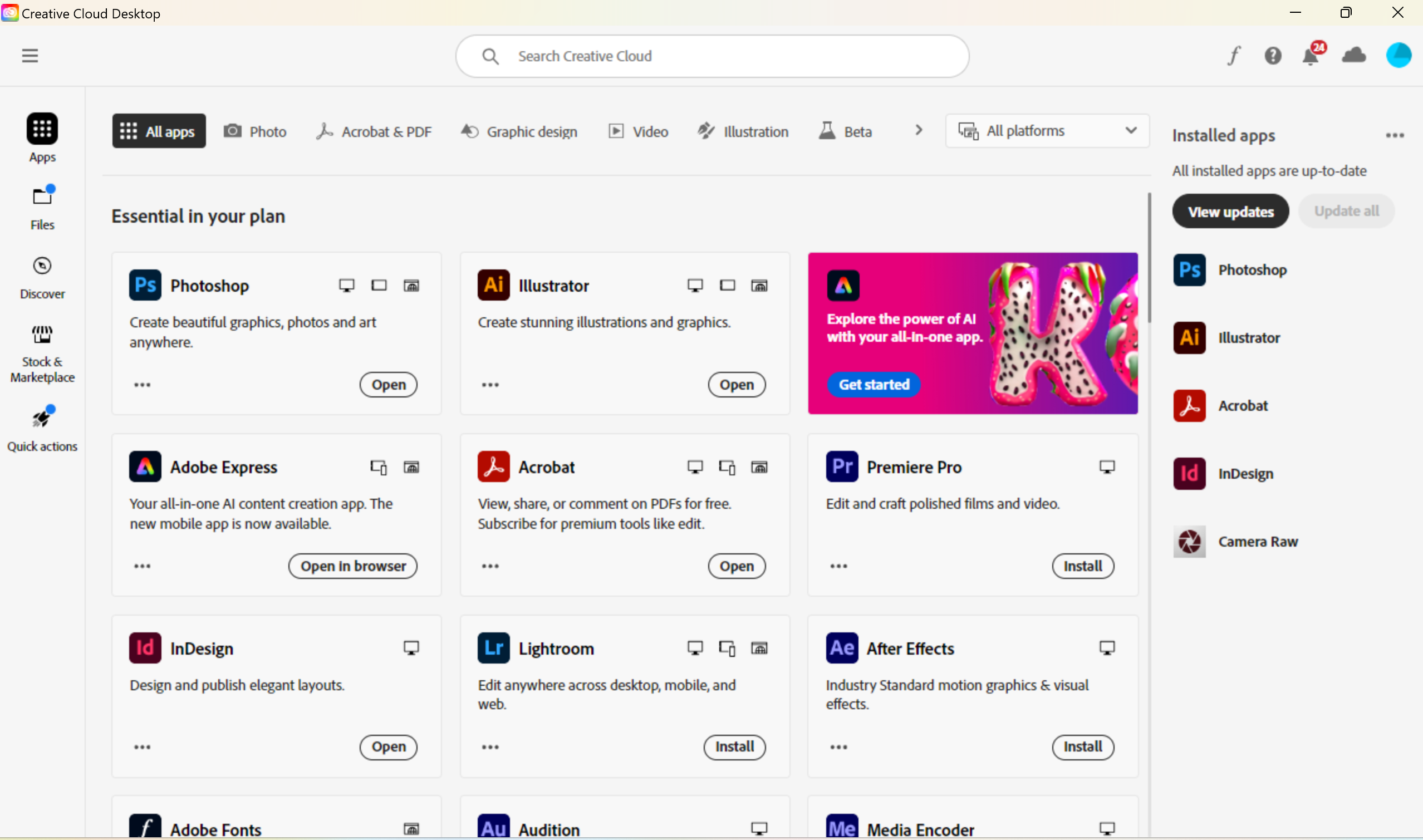
We use Adobe Illustrator to design files for the vinyl cutter and laser cutter. If you are new to the school, get a new computer, or need to run updates, you will need to utilize Adobe Creative Cloud. Here's how you do this:
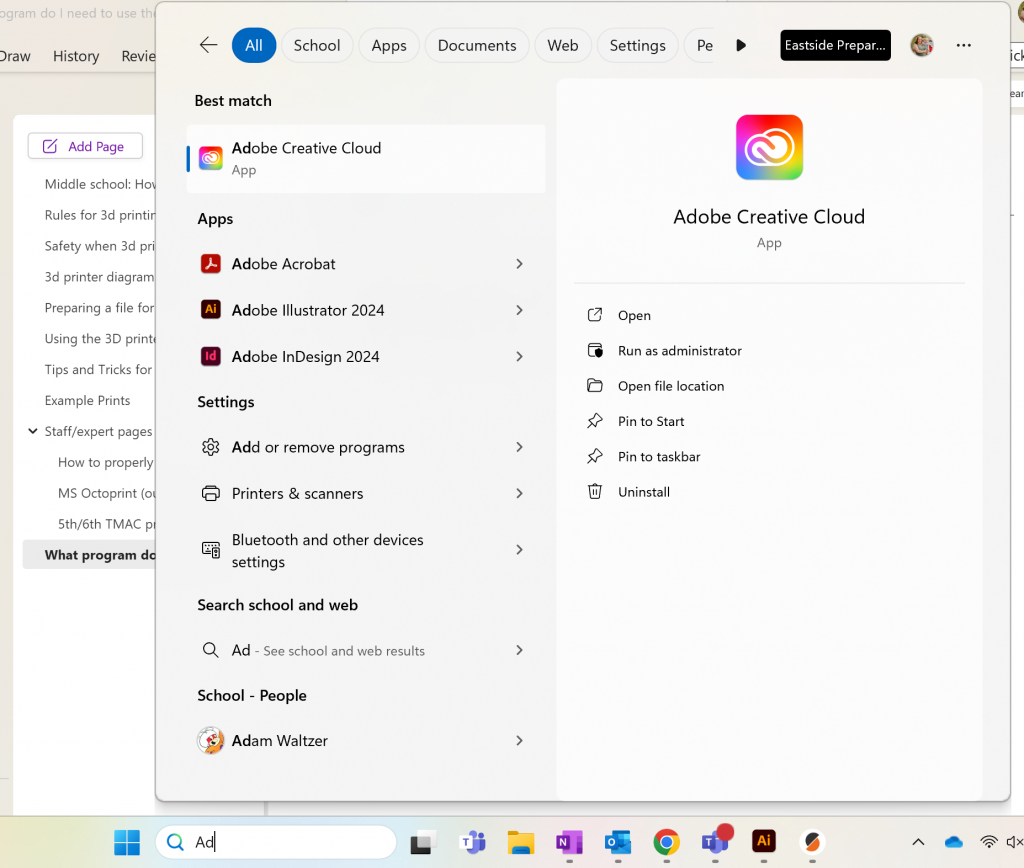
1. Type "Adobe Creative Cloud" into the search bar on your computer and open the program.
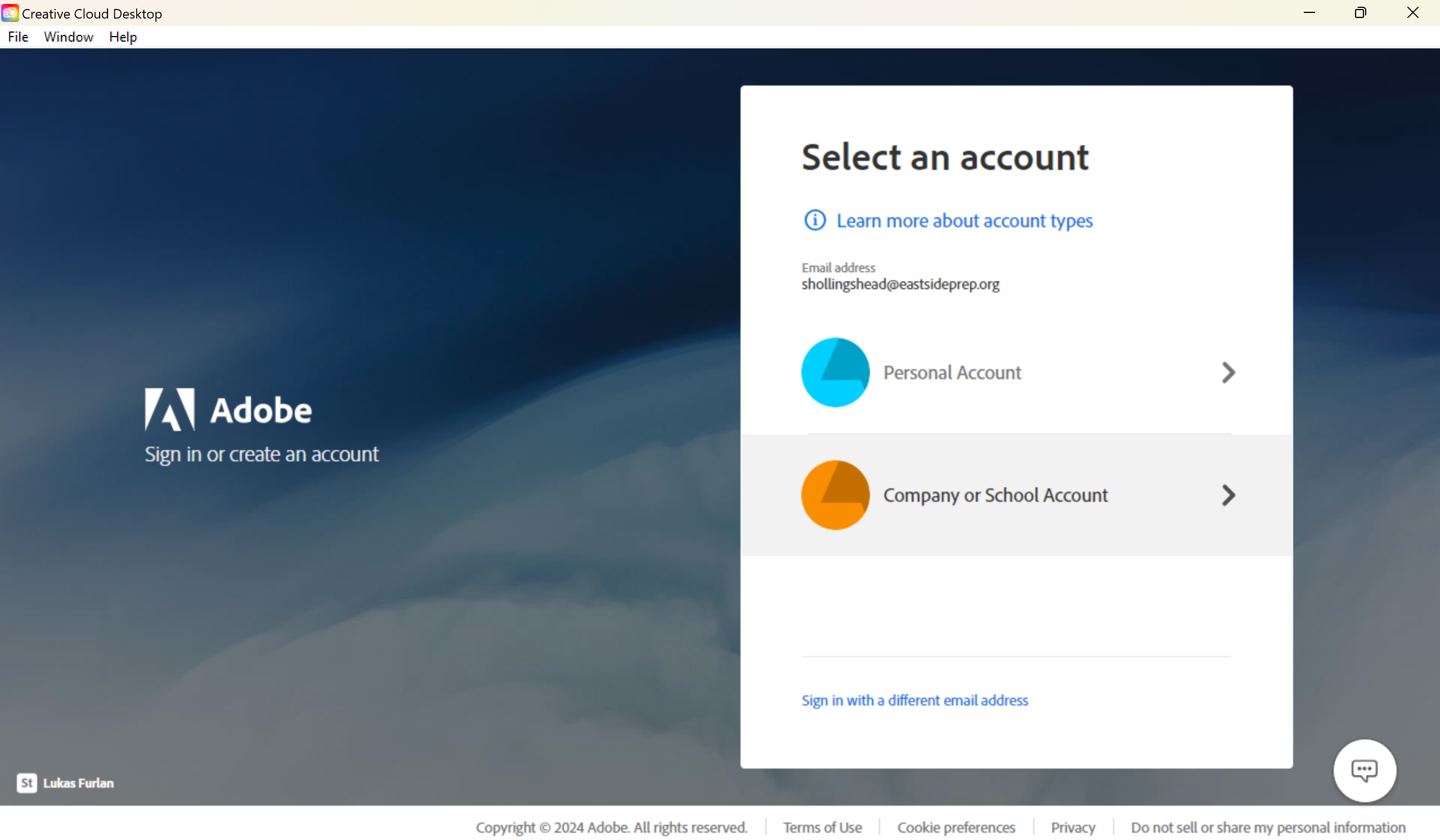
2. Sign in with your Eastside Prep account. You DO NOT need to pay for this subscription! As a student or teacher/staff in the EPS community, you have access to the full library of Adobe apps, but you must sign in with your EPS credentials to access them:
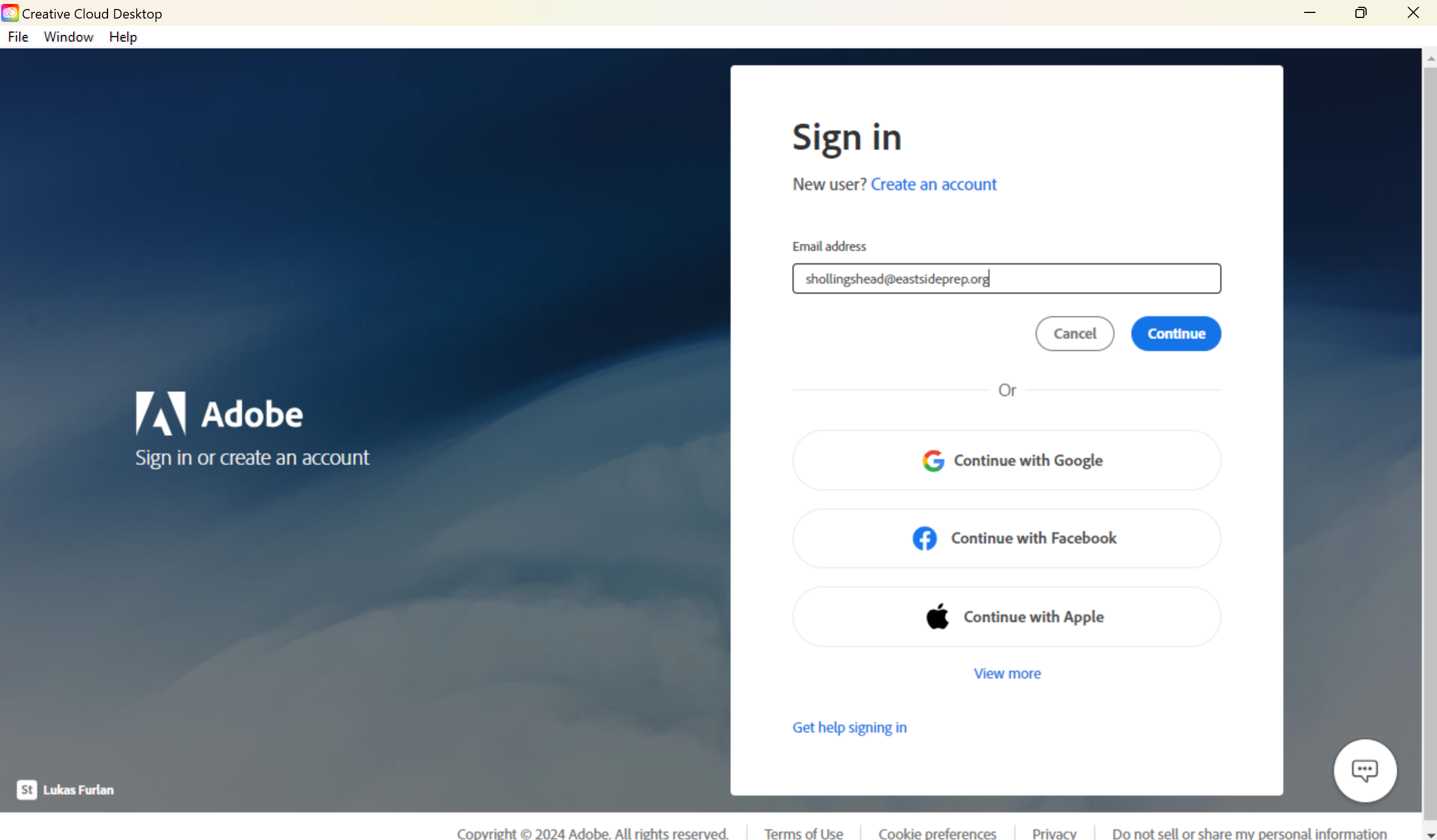
3. Choose Company or School Account:
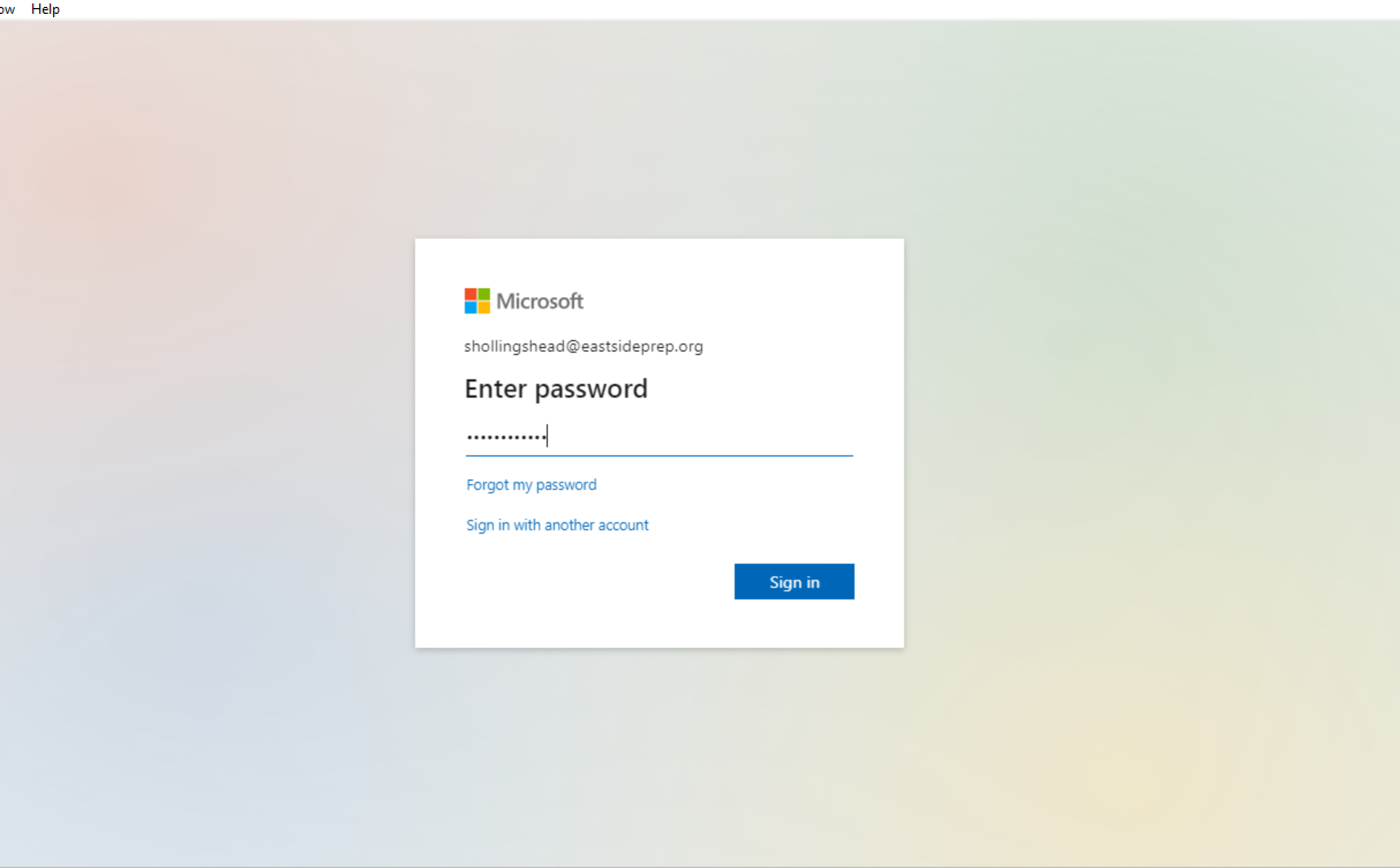
4. Use your EPS password that you use to sign into your computer and Office programs. You may need to do some work with Two-Factor Authentication after this step.
5. Once logged in, click on "All Apps" if it doesn't automatically open, and you can install or update any of the Adobe programs included in your subscription! For vinyl cutter and laser cutter design, you will need to install and keep updated your Adobe Illustrator.